Getting great output from AI tools starts with giving them great input. An AI prompt generator helps you build structured, effective prompts for ChatGPT, Midjourney, and dozens of other AI platforms — without needing a degree in prompt engineering. Whether you’re writing blog posts, creating artwork, or building chatbots, your prompt quality decides your output quality. We built this free AI prompt generator to take the guesswork out of the process so you can focus on actually creating.
[rank_math_toc]
What Is an AI Prompt Generator?
An AI prompt generator is a tool that creates well-structured prompts for AI platforms. Instead of typing vague instructions and hoping for the best, you get a crafted prompt that’s designed to produce better output from the start. Think of it as a translator between what you want and what the AI actually understands.
Prompt engineering has become a real skill. People who know how to write good prompts get dramatically better results from ChatGPT, Midjourney, DALL-E, and other AI tools. But not everyone has time to study prompt engineering from scratch. That’s where an AI prompt generator saves you hours of trial and error — and a lot of wasted API credits too.
How Does an AI Prompt Generator Work?
The tool asks you a few simple questions about what you want to create. You pick the AI platform, describe your goal, and choose your style or format. Then the generator builds a detailed prompt using proven prompt engineering techniques — things like role assignment, context setting, output formatting, and constraint definition. The result is a prompt that’s ready to copy and paste into your AI tool of choice.
Why Prompt Quality Matters More Than You Think
Here’s the thing most people miss: AI models like GPT-4 and Midjourney are incredibly powerful, but they’re only as good as the instructions you give them. A badly written prompt is like giving a chef terrible directions — even the best chef can’t make a great meal from confusing instructions. We’ve seen the same AI model produce garbage from a bad prompt and gold from a good one. The difference is entirely in the input.
Why You Need an AI Prompt Generator
We’ve tested thousands of prompts across different AI platforms. The gap between a basic prompt and an optimized one is huge. A simple “write a blog post about dogs” gives you generic fluff. But a structured prompt that specifies tone, audience, word count, and key points? That gives you publishable content right out of the gate.
Save Time on Trial and Error
Without a prompt generator, most people go through 5 to 10 tries before getting useful output. That wastes time and money — especially if you’re paying for API access. A good AI prompt generator gets you much closer to your desired result on the first try. In our testing, optimized prompts cut revision cycles by 60% or more. If you’re creating content every day, that adds up fast.
Get Consistent Results Every Time
Consistency is one of the biggest headaches with AI tools. The same vague prompt can give you wildly different outputs each time. Structured prompts produce more predictable, reliable results. If you’re using AI for business content, consistency matters a lot. You can’t afford to roll the dice every time you need a blog post or product description. Our AI prompt generator makes sure you get reliable output on every attempt.
How to Use This AI Prompt Generator for ChatGPT
Using our AI prompt generator is straightforward. Here’s a step-by-step walkthrough to get you started, even if you’ve never used one before.
Step 1: Choose Your AI Platform
Select the AI tool you’re using. We support ChatGPT, GPT-4, Midjourney, DALL-E, Stable Diffusion, Claude, and more. Each platform has different prompt requirements. ChatGPT responds well to conversational, detailed prompts. Midjourney works best with visual, descriptive prompts. The generator adjusts its output based on whichever platform you pick.
Step 2: Describe Your Goal
Tell the generator what you want to create. Be as specific as you can. Instead of “write an article,” try “write a 1500-word beginner’s guide to indoor gardening for apartment dwellers.” The more detail you provide, the better the generated prompt will be. Don’t worry about being too specific — the AI can handle it.
Step 3: Pick Your Style and Format
Choose the tone (professional, casual, humorous), format (listicle, how-to, essay), and any special requirements. The generator builds these preferences right into your prompt automatically. You can also specify your target audience, which helps the AI adjust its language level and examples to match.
Step 4: Copy and Paste Into Your AI Tool
Hit generate and get your optimized prompt. Copy it into ChatGPT, Midjourney, or whatever AI tool you’re using. That’s it. No prompt engineering degree needed. The prompt is already structured for maximum effectiveness based on your chosen platform.
AI Prompt Tips for Different Platforms
Different AI tools respond differently to prompts. What works for ChatGPT might flop in Midjourney. Here’s what works best for the most popular platforms.
ChatGPT and GPT-4 Prompt Tips
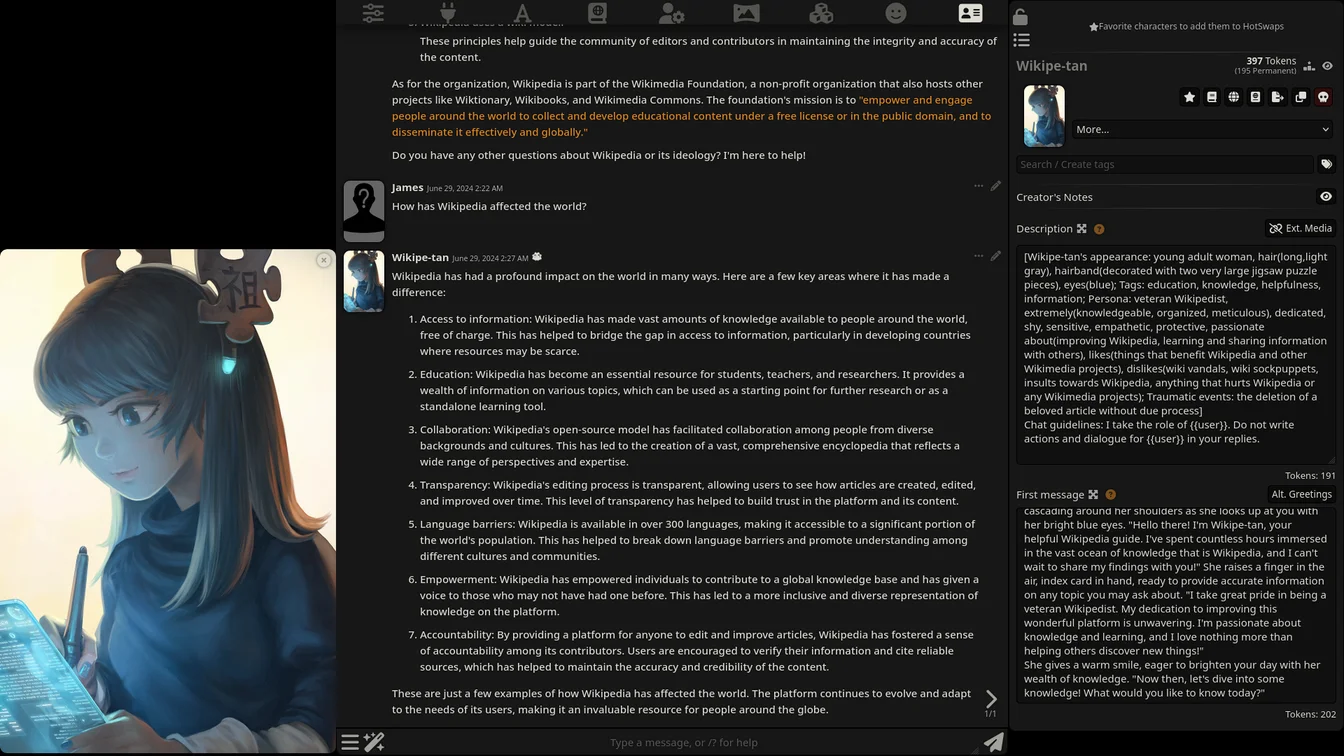
ChatGPT thrives on context and structure. Start with a role assignment like “You are an expert SEO copywriter.” Then provide your task, constraints, and desired format. End with specific instructions about tone or audience. According to OpenAI’s official prompt engineering guide, clear and specific instructions consistently outperform vague ones. Adding examples of what you want also improves results big time.
Midjourney Prompt Tips
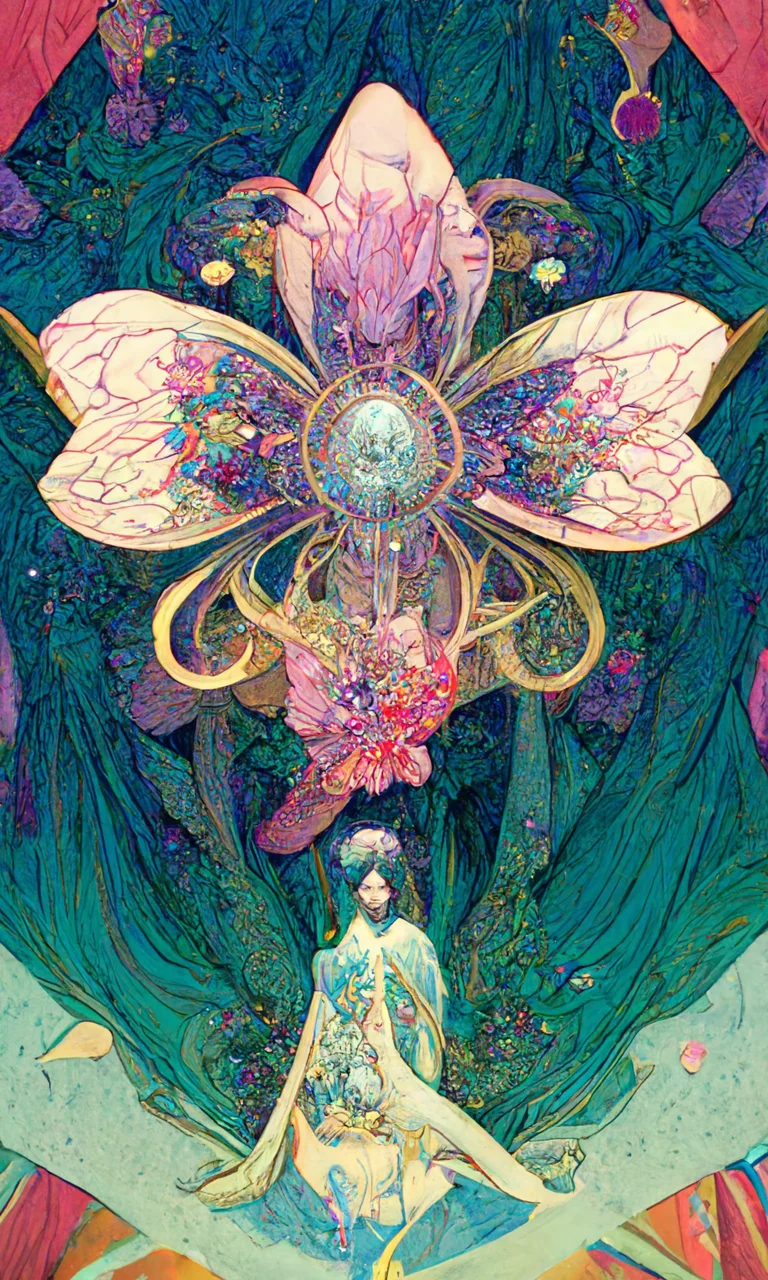
Midjourney is all about visual description. Focus on lighting, composition, art style, and mood. Use specific artist references and medium descriptions. “A cyberpunk city at night, neon reflections on wet streets, cinematic lighting, oil painting style” works way better than “futuristic city.” Midjourney also responds well to aspect ratio parameters like –ar 16:9 and style parameters like –s 250.
Claude and Other LLM Prompt Tips
Claude handles complex, multi-step prompts really well. You can give it detailed instructions with multiple requirements and it won’t get confused easily. For other LLMs, the general rule is: be specific, provide examples when possible, and clearly state your desired output format. Our free online text tools pair well with AI-generated content for polishing and analyzing your results after generation.
Real Use Cases for an AI Prompt Generator
Here’s how people are actually using our AI prompt generator to get better results from AI tools every day.
Content Creators and Bloggers
Bloggers use the generator to create detailed prompts for long-form content. Instead of spending 30 minutes crafting the perfect prompt by hand, they get one in seconds. The generated prompts include SEO elements, audience targeting, and content structure built right in. This pairs perfectly with our keyword density checker for optimizing the resulting content after it’s generated.
Graphic Designers and Digital Artists
Designers use the Midjourney prompt generator to create more detailed, evocative image prompts. The tool adds art styles, lighting cues, and composition details that most people forget to include. The result? Better images with fewer iterations and less wasted credits.
Business Owners and Marketers
Business owners who aren’t AI experts use the generator to get professional-quality output from ChatGPT. Whether it’s email campaigns, product descriptions, or social media posts, the right prompt makes the difference between amateur-sounding and professional results. Check out our guide on the best AI tools for content automation for more ways to boost your productivity with AI.
Students and Researchers
Students use the prompt generator to get better help from ChatGPT for research, study guides, and essay outlines. A well-structured prompt gives you an organized study guide instead of a wall of unstructured text. It’s like having a tutor that actually understands what you’re asking for. Researchers use it to generate literature review frameworks and methodology descriptions too.
Common Prompt Engineering Mistakes to Avoid
Even with a prompt generator, it helps to know what not to do. Here are the mistakes we see most often.
Being Too Vague
“Write something good” tells the AI nothing useful. Every prompt should have a clear goal, audience, and format. The more specific you are, the better the output. If you can’t describe what you want, the AI definitely can’t create it for you.
Overloading the Prompt
On the flip side, cramming too many requirements into one prompt confuses the AI. Stick to one main goal per prompt. If you need multiple things, break them into separate prompts and combine the results. Most AI tools handle focused requests much better than complex, multi-part ones.
Forgetting to Specify Format
Always tell the AI how you want the output formatted. “Write a list of 10 tips” is way better than “give me some tips.” Format specifications like bullet points, numbered lists, or specific heading structures help the AI organize its response exactly the way you want it.
Not Iterating When Needed
Even great prompts can be improved. If the output isn’t quite right, tweak your prompt and try again. Add more context, change the tone, or clarify your requirements. Prompt engineering is iterative by nature — each round of refinement gets you closer to the perfect output.
Why We Built This AI Prompt Generator
We built this tool because we were tired of watching people waste hours on bad prompts. We’d see the same mistakes over and over — vague instructions, missing context, no format specification. And we’d watch people blame the AI for bad output when the real problem was the input. That’s not fair to the AI, and it’s definitely not fair to the person trying to get work done.
Our generator applies proven prompt engineering techniques automatically. You don’t need to study anything. Just answer a few questions, get your prompt, and paste it into your tool. It’s that simple. You can also check out our high CPM niches guide if you’re interested in building AI tool websites of your own.

Frequently Asked Questions
Is this AI prompt generator free to use?
Yes, completely free with no limits. We think everyone should have access to better prompt engineering tools, whether you’re a beginner or a seasoned pro. No signup, no credit card, no catch.
What AI platforms does the prompt generator support?
The generator supports ChatGPT, GPT-4, Midjourney, DALL-E, Stable Diffusion, Claude, Gemini, and more. We’re always adding new platforms as they become popular. Each one gets prompt templates optimized for its specific capabilities and quirks.
Can I use the generated prompts commercially?
Absolutely. The prompts you generate are yours to use however you want. Client work, business content, creative projects — whatever you need. There are zero restrictions on commercial use.
How is this different from writing my own prompts?
You can absolutely write your own prompts. But most people don’t know the techniques that make prompts effective — things like role assignment, chain-of-thought prompting, and output formatting rules. Our generator applies these techniques automatically so you get better results without spending hours studying prompt engineering.
Does the prompt generator work for image generation?
Yes! The generator has specific templates for Midjourney, DALL-E, and Stable Diffusion. Image generation prompts are structured differently from text prompts — they focus on visual elements like style, lighting, composition, and mood rather than instructions and format specs. The generator knows the difference and adjusts accordingly.
Will better prompts really make a noticeable difference?
In our experience, yes — a huge difference. We’ve seen the same AI model go from producing generic, unusable output to creating publication-ready content just from switching to an optimized prompt. The AI doesn’t change, but the input does. Better prompts mean better results, every single time.
This article is for informational purposes only. AI tool capabilities and features may change over time. Always verify output from AI tools before using it commercially or professionally.