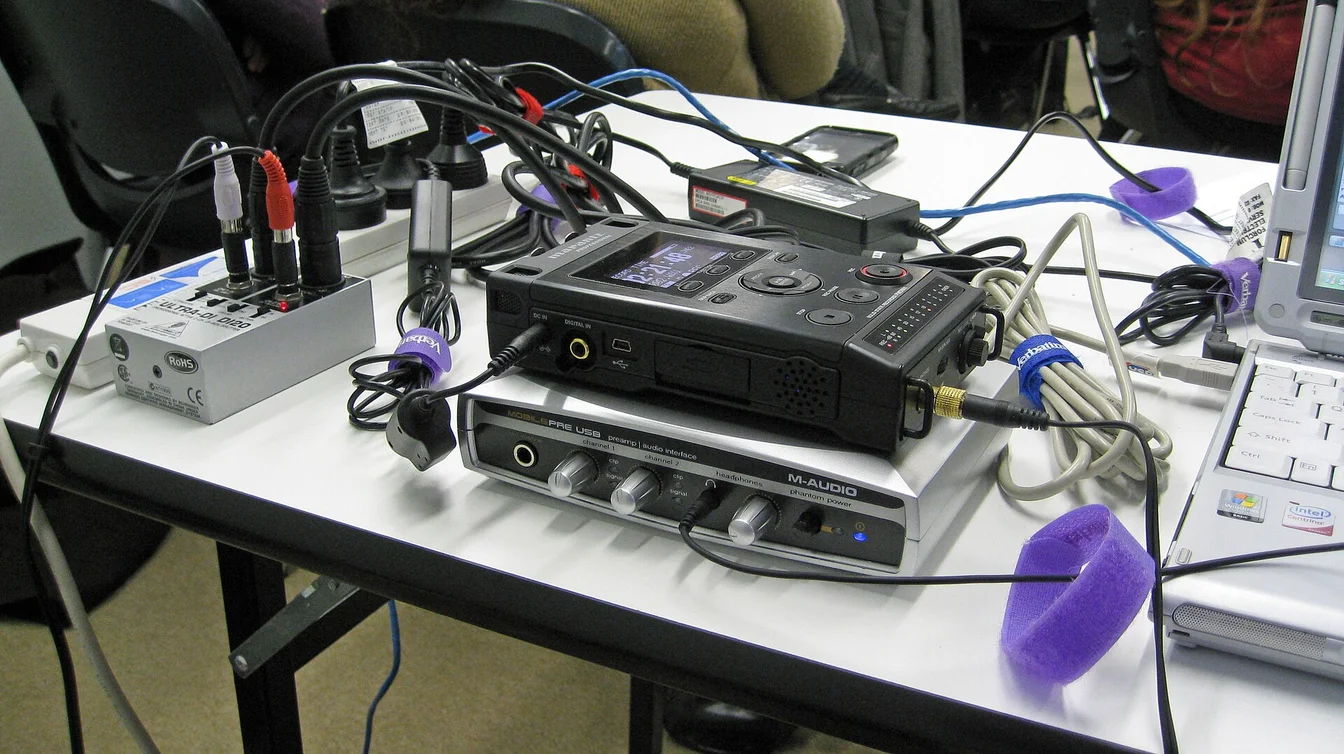
Your Podcast Episodes Deserve Better Than “In This Episode, We Talk About…”
You just recorded an amazing podcast episode. It’s insightful, funny, and packed with value. But now you need show notes, and staring at a blank page feels like punishment. That’s where our Podcast Show Notes & Summary Generator comes in. It turns your episodes into polished show notes, timestamps, summaries, and social teasers — automatically.
[rank_math_toc]
What Does This Tool Do?
This tool takes your podcast audio or transcript and generates complete show notes. Not just a quick summary — we’re talking episode descriptions, key takeaways, timestamped highlights, guest bios, and social media snippets ready to post.
We think show notes are the most overlooked part of podcasting. You spend hours on the episode and 5 minutes on the notes. But show notes are how people find your podcast in search. They’re how listeners decide whether to hit play. They’re how you get shared. Bad show notes mean fewer listeners, period.
Here’s What You Get
- Episode summary — a concise 2-3 paragraph overview that makes people want to listen
- Key takeaways — 4-6 bullet points capturing the most valuable insights
- Timestamped sections — chapter markers so listeners can jump to what interests them
- Guest bio snippet — a short intro for your guest with links to their work
- Social media teasers — pull quotes and short promo copy for Twitter, LinkedIn, and Instagram
- SEO keywords — suggested keywords and phrases to help your episode rank in search
Why Show Notes Are Your Secret Growth Weapon
Podcasts are audio, but discovery happens through text. Apple Podcasts and Spotify both use your show notes and titles to decide when to recommend your episodes. Google indexes your show notes for search results. According to Apple’s podcast guidelines, detailed show notes directly impact your show’s discoverability.
Here’s the reality: most podcasters write show notes as an afterthought. A one-paragraph summary and a list of links. That’s a missed opportunity. Good show notes can:
- Improve your search ranking — more text means more keywords for algorithms to match
- Increase play rate — detailed notes help listeners decide if an episode is worth their time
- Drive website traffic — show notes on your site give you another entry point from Google
- Boost sharing — pull quotes and takeaways give fans something to share on social media
How to Use the Podcast Show Notes & Summary Generator
Step 1: Provide Your Episode Content
Paste your episode transcript or a detailed outline. If you don’t have a transcript, just write a few sentences about what you covered — the main topics, guest name, and any key points you remember. The more detail you give, the better the output.
Step 2: Select Your Output Format
Choose what you need:
- Full show notes — everything: summary, takeaways, timestamps, guest bio, social posts
- Quick summary — just the 2-3 paragraph overview for podcast directories
- Social media pack — pull quotes and promo copy for each platform
- Blog post version — a longer write-up you can publish alongside the episode
Step 3: Set Your Tone and Audience
Tell the tool who your listeners are and how you normally sound. A business podcast should sound different from a comedy podcast. The tool adjusts the language to match your vibe.
Step 4: Generate and Edit
Get your show notes in seconds. Review them, add any personal touches, fix any details the AI got wrong, and publish. It’s that simple. You’ll go from blank page to polished show notes in under 5 minutes.
Need help creating content from your episodes for other platforms? Our YouTube Shorts Script Generator helps you turn podcast highlights into short video content, and our AI Prompt Generator can help you craft custom prompts for any content need.
Real Use Cases
Solo Podcasters
You’re the host, editor, marketer, and social media manager all in one. Show notes eat up time you don’t have. This tool gives you back 2-3 hours per episode. That’s time you can spend on your next recording — or just take a break. You’ve earned it. Check out more time-savers in our AI content automation guide.
Podcast Networks and Studios
You’re producing multiple shows. Consistent, high-quality show notes across all of them is tough to maintain. This tool standardizes your output so every episode gets the same level of detail and polish.
Business Podcasts
Your podcast is a marketing tool. Show notes with SEO keywords, clear takeaways, and links back to your products help turn listeners into leads. Don’t let your best episodes go to waste with weak notes.
Guest-Based Shows
When you feature guests, proper show notes with bios, links, and timestamps are a sign of respect. They also help your guests share the episode with their audience. A well-crafted guest bio section makes sharing easy.

How to Write Show Notes That Grow Your Podcast
Hook Them in the First Line
Your first sentence should make someone want to hit play immediately. “In this episode, we discuss marketing” is boring. “Discover the one marketing tactic that tripled our guest’s revenue in 90 days” is irresistible. Same topic, very different results.
Use Timestamps Generously
Timestamps are one of the most requested features by podcast listeners. They let people jump to the parts they care about most. According to Spotify for Podcasters, episodes with chapters get 15% more completion rate because listeners can find what they’re looking for.
Include Relevant Links
Link to your guest’s website, resources mentioned in the episode, and your own products or services. Show notes are one of the few places in podcasting where you can use clickable links. Use them.
Add a Clear CTA
Every episode’s show notes should end with a call to action. Subscribe, leave a review, sign up for your newsletter, or follow you on social media. Tell listeners exactly what to do next.
Optimize for Search
Use your target keywords naturally in the summary and takeaways. Don’t stuff them in — just make sure the words people would search for are there. Our keyword density checker can help you find the right balance.
Show Notes Mistakes That Hurt Your Podcast
- Writing one generic sentence — “We talk about leadership” tells nobody anything useful
- No timestamps — listeners hate scrubbing through a 60-minute episode to find one topic
- Forgetting the guest bio — it’s rude to your guest and a missed sharing opportunity
- No links — if you mention a tool, book, or resource, link to it. Listeners will thank you.
- Copy-pasting the same template every time — your show notes should feel as unique as each episode
- Skipping SEO — your show notes are a blog post that can rank in Google. Treat them like one.
For more writing tools that speed up your workflow, visit our free online text tools for writers and bloggers.
Repurposing Show Notes for Maximum Reach
Don’t just write show notes and forget them. Repurpose that content everywhere:
- Blog post — expand your show notes into a full article for your website
- Email newsletter — use the key takeaways as your weekly email content
- Social media — pull quotes and insights make great tweets and LinkedIn posts
- YouTube description — the same notes work as video descriptions with minimal edits
- Infographic — turn your takeaways into a visual for Pinterest and Instagram
One set of show notes can fuel a full week of content. That’s the power of repurposing. Our HeyGen AI Video Script Generator can even help you turn your podcast takeaways into video scripts for YouTube.
See Also
- Ai Prompt Generator Chatgpt Free Tool
- Best Ai Tools Content Automation
- Heygen Ai Avatar Video Script Generator
Frequently Asked Questions
How long should podcast show notes be?
For most episodes, 300-600 words is the sweet spot. Long enough to cover key points and include SEO keywords, short enough that people actually read them. For deep-dive episodes, you can go longer — but always lead with the most important info.
Do I need a full transcript, or is a summary enough?
A summary is usually enough for show notes. Full transcripts are nice for SEO but not always necessary. Our tool can work with either. If you want a full transcript, paste it in and the tool will extract the highlights. If you only have notes, the tool will build from those.
Should I post show notes on my website or just in the podcast app?
Both. Your website version can be longer and include more links, images, and embedded players. The podcast app version should be concise but still informative. The website version gives you SEO benefits that the app version can’t.
How do timestamps work?
Timestamps mark when specific topics start in your episode. Format them as [00:00] Topic Name. Most podcast apps turn these into clickable chapters. This makes your episode easier to navigate and more likely to be fully listened to.
Can this tool write show notes for video podcasts too?
Yes. Video podcasts on YouTube need descriptions just like audio podcasts. The tool generates notes that work for both formats. You can even use the output as a YouTube video description with timestamps for chapters.
Is this tool free?
Yes, the Podcast Show Notes & Summary Generator is completely free. No sign-up, no credit card, no usage limits. Just paste your content and get your show notes.
Disclaimer: This tool helps you generate podcast show notes and summaries. Always review the output for accuracy before publishing, especially guest names, titles, and specific claims. NowGoTrend is not responsible for any inaccuracies in content generated by this tool or for the performance of any podcast episodes using this content.