Your Video Title Is Costing You Views Right Now
You spent 20 hours making a great video. You hit publish. And… crickets. Meanwhile, a weaker video with a killer title gets 10x your views. That’s not luck — that’s the power of a good title. Our YouTube Title A/B Tester & Optimizer helps you find the title that makes people click, before you even publish.
[rank_math_toc]
What Does This Tool Do?
This tool generates, scores, and helps you A/B test YouTube video titles. You enter your video topic, and it gives you multiple title options ranked by click potential. Then you can test different titles to see which one actually drives more clicks.
We think the title is the most important 60 characters on your entire YouTube channel. Not the thumbnail (though that’s close). Not the description. The title. Because if people don’t click, nothing else matters. Your amazing content never gets seen.
What You Get
- Multiple title variations — different angles, lengths, and emotional triggers for every video
- Click-through score — each title gets a predicted CTR score so you can compare options
- A/B test framework — guidance on how to test titles and measure real results
- SEO keyword integration — titles that rank in YouTube search AND get clicks
- Competitor analysis tips — see what’s working in your niche and do it better
Why Your YouTube Title Makes or Breaks Your Video
YouTube’s own data shows that click-through rate (CTR) is one of the top ranking signals. When your title gets more clicks than other videos in search results and suggested feeds, YouTube pushes your video to more people. It’s a flywheel effect — better title means more clicks, which means more impressions, which means even more views.
But here’s the problem: most creators spend 2 minutes on their title and 20 hours on their video. That’s a terrible ROI on your time. A 10% improvement in your CTR can double your views overnight. That’s not a small tweak — that’s a game changer.
What Makes a Title Clickable?
The best titles do three things at once:
- Create curiosity — make people need to know what’s inside
- Promise value — tell them exactly what they’ll get
- Use the right keywords — so YouTube knows when to show your video
Balancing all three is hard. That’s where this tool helps.
How to Use the YouTube Title A/B Tester & Optimizer
Step 1: Enter Your Video Topic
Type in what your video is about. Include your target keyword if you have one. “Beginner’s guide to meal prepping” is better than just “meal prep” because it gives the tool more to work with.
Step 2: Generate Title Options
The tool gives you 8-12 title variations across different styles:
- How-to titles — “How to Meal Prep Like a Pro in 2 Hours”
- List titles — “7 Meal Prep Mistakes That Waste Your Time”
- Curiosity titles — “I Tried Meal Prepping for 30 Days — Here’s What Happened”
- Challenge titles — “Can You Meal Prep an Entire Week for $30?”
- Contrarian titles — “Why Meal Prepping the Normal Way Doesn’t Work”
Step 3: Check Your SEO Score
Each title gets scored for click potential and SEO strength. A title that’s catchy but doesn’t include your keyword won’t rank in search. A title that’s keyword-stuffed but boring won’t get clicks. You need both. The tool shows you where each title lands.
Step 4: A/B Test Your Top Picks
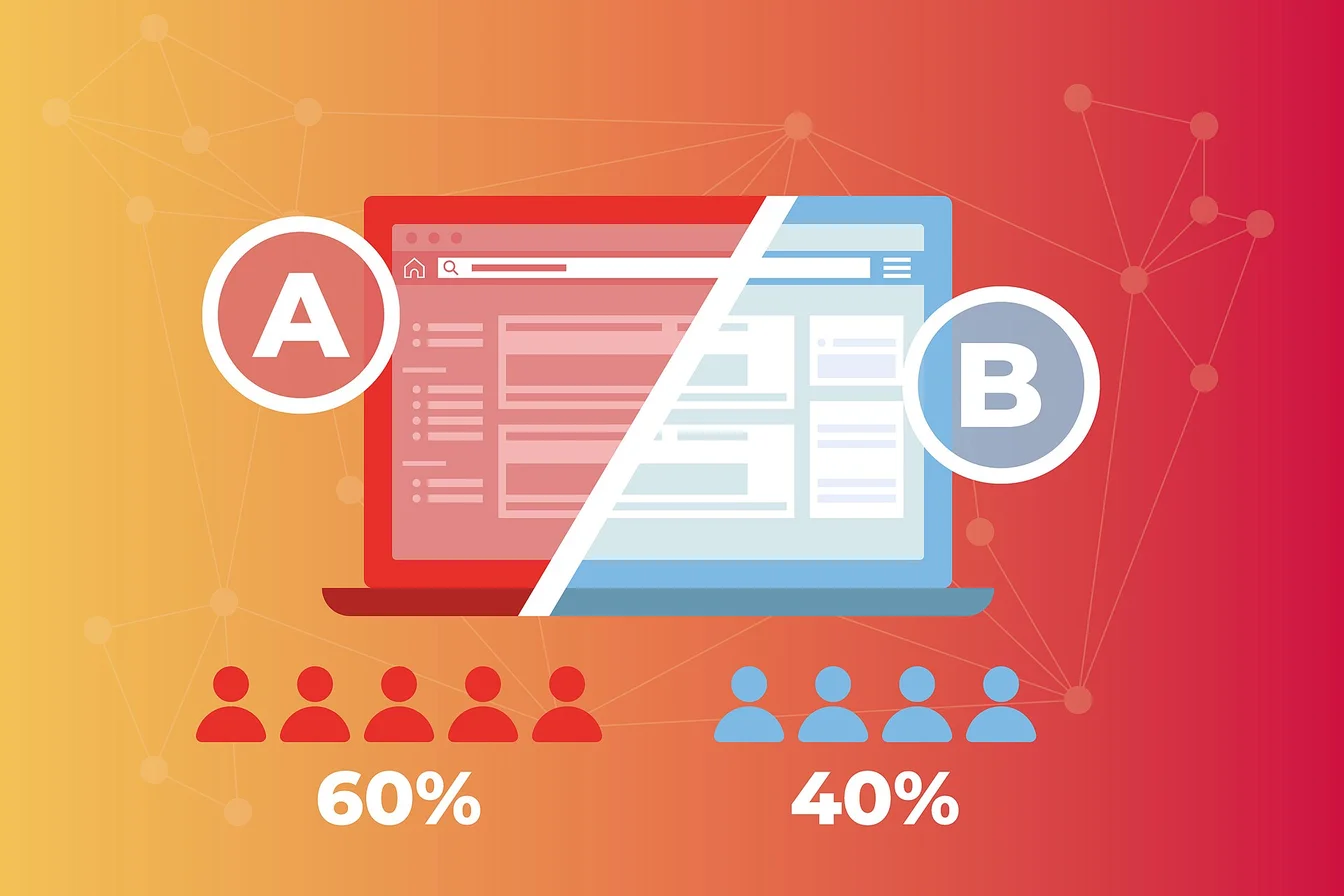
Pick your top 2-3 titles and test them. Upload your video with one title, track the CTR for 24-48 hours, then switch to another title and compare. YouTube Studio makes this easy to measure. Keep the winner.
Need more YouTube optimization help? Our YouTube Tag Generator makes sure your tags are working as hard as your titles.
Real Use Cases
YouTube Creators
You’ve got the content down. Your editing is sharp. But your CTR sits at 2-3% while competitors pull 8-10%. The difference isn’t your video — it’s your title. This tool helps you close that gap. Most creators see a 30-50% CTR boost within their first month of testing titles. For more YouTube growth tools, check our AI tools for content automation.
Brand Marketing Teams
Your company’s YouTube channel needs consistent performance. You can’t afford to guess on titles. This tool gives your team a data-driven process for title creation instead of relying on gut feelings.
Course Creators and Educators
Educational videos compete for attention against entertainment. A title like “Python Tutorial #4” won’t cut it. “Learn Python in One Weekend — Even If You’ve Never Coded” will. This tool helps you find the right angle for every lesson.
Agencies Managing Multiple Channels
You’re writing titles for different niches every day. This tool helps you quickly generate strong options for any topic without burning out your creative brain.
The Title Formulas That Actually Work
We’ve analyzed thousands of top-performing YouTube titles. Here are the patterns that show up again and again:
The Number Formula
“X Ways to [Achieve Result]” — numbers work because they set clear expectations. People know exactly what they’re getting. “5 Ways to Grow Your Channel” beats “How to Grow Your Channel” in CTR almost every time.
The Time Formula
“[Result] in [Timeframe]” — this works because it addresses the #1 objection: “How long will this take?” “6-Pack Abs in 90 Days” is more clickable than “How to Get Abs.”
The Mistake Formula
“X Mistakes That [Cause Problem]” — people are more motivated to avoid mistakes than to learn new things. According to behavioral research, loss aversion is one of the strongest psychological motivators.
The Story Formula
“I [Did Something Unexpected] and [Result]” — personal stories create curiosity and relatability. They feel authentic, which builds trust before the viewer even clicks.
Want to make sure your content is keyword-optimized too? Try our keyword density checker for SEO content.
Title Mistakes That Kill Your Click-Through Rate
- Too vague — “My Thoughts on Marketing” says nothing. Be specific.
- Too long — YouTube truncates titles after ~60 characters. Put the key info first.
- ALL CAPS — it looks spammy and desperate. Use title case, not scream case.
- Clickbait that doesn’t deliver — you’ll get the click once, then lose the subscriber forever.
- Same title format every time — your audience gets pattern fatigue. Mix it up.
- Ignoring search — if nobody is searching for your keywords, your title won’t get impressions to begin with.
How to Read Your YouTube Analytics for Title Testing
YouTube Studio gives you the data you need. Here’s what to look at:
- Impressions CTR — the percentage of people who saw your title and clicked. This is your title’s report card. Aim for 5%+ on established channels.
- Average view duration — if your CTR is high but view duration is low, your title overpromised. Dial it back.
- Traffic source: YouTube Search — if this is low, your title might not be matching what people search for.
- Traffic source: Suggested Videos — if this is high, your title is performing well against similar content.
For more tools to help with your YouTube strategy, check out our YouTube Shorts Script Generator and AI Prompt Generator.
See Also
- Youtube Tag Generator Optimize Video Tags
- Viral Tiktok Reels Hook Generator
- Ai Prompt Generator Chatgpt Free Tool
Frequently Asked Questions
How often should I change my YouTube title?
Test your title within the first 24-48 hours of publishing. After that, let it settle. Changing titles too often can confuse the algorithm. If your CTR is below 3% after 48 hours, try a different title. If it’s above 5%, leave it alone.
Does changing my title hurt my video’s ranking?
No, not if you keep your main keyword in the title. YouTube re-indexes updated titles quickly. Just don’t change it to something completely unrelated — that will confuse viewers and the algorithm.
Should my title match my thumbnail?
They should complement each other, not repeat each other. If your title says “5 Ways to Save Money,” your thumbnail should show the result or a surprising element — not the text “5 Ways to Save Money” again. They should tell a story together.
How many characters should my YouTube title be?
Keep it under 60 characters so it doesn’t get cut off in search results. Put the most important words in the first half. YouTube shows more of your title on mobile when the hook comes first.
Can I A/B test titles on YouTube natively?
YouTube doesn’t have a built-in A/B test feature for titles yet. You’ll need to test manually — publish with one title, track CTR for 24-48 hours, then switch and compare. Our tool helps you generate the test variants and track what matters.
Is this tool free?
Yes, the YouTube Title A/B Tester & Optimizer is free to use. No sign-up required. Generate as many title options as you need for all your videos.
Disclaimer: This tool helps you generate and evaluate YouTube title options. Title performance depends on many factors including thumbnail quality, content niche, audience size, and algorithm changes. Always test titles with real data and adjust based on your channel’s specific results. NowGoTrend is not responsible for the performance of any video titles created using this tool.